In-house tool · Back office
Portal Sven Brunn – my office in one database
Invoices, quotes, receipts, clients, reports, editing my websites and backing up every project: one system instead of spreadsheets and folders grown over the years. It runs on my own machine only.
My role Own project – concept, development and daily use
- 97 % of invoice numbers on receipts recognised correctly – measured, without a language model
- 29 checks in one command, from types to the website editor
- Local runs on my own machine only – no login, no server, no cloud storage
- Cents money stored as whole numbers – floating point adds up wrong
Context and approach
Before, everything lived in a collection of Excel files and folders that had grown over the years. Every report meant gathering numbers from several files, and a wrong figure only showed up if someone happened to recalculate it.
The Portal imports the existing data repeatably and reconciles it against the original totals – if a figure differs, the error is in the system, not in the data. Two principles run through it: nothing is booked silently, and nothing is guessed. Where an assignment is ambiguous, it stays open and is counted.
What the system does
- 01
Invoices and quotes
Pick a client and the hourly rate, payment terms, salutation and contact are set. Numbers are assigned without gaps, the PDF carries a payment QR code. Outlook opens a draft – nothing goes out without approval.
- 02
Receipts with text recognition
Drop a PDF, import, review: supplier, date, number and amounts are extracted, scans go through text recognition. Only after review is the file renamed meaningfully and archived; a checksum catches duplicates.
- 03
Client record with documents
Several contacts per client, one of them primary. Invoices, quotes and contracts as tiles with previews, grouped by year, with a viewer – every assignment states its reason.
- 04
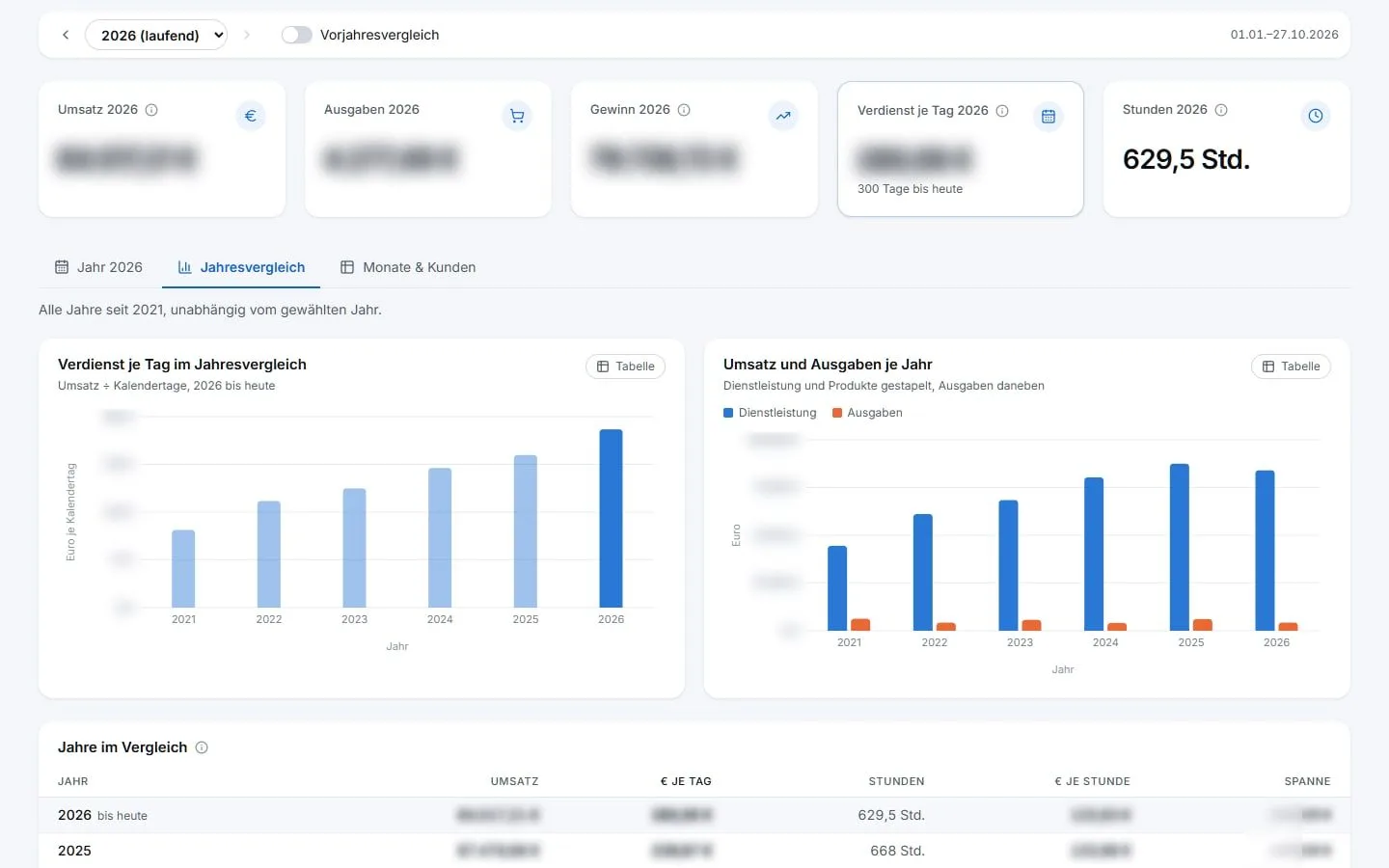
Reports with denominators
The key figure “earnings per day” divides the current year by the days elapsed so far, so it sits fairly next to full previous years. Every figure names its basis; a check script recalculates it independently.
- 05
Archive instead of delete
Hidden items disappear from lists and totals but are kept with date and reason and come back with one click. Where a total shrinks as a result, it says by how much.
- 06
Edit and publish websites
This website and urlaubsplaner-excel.de are structured the way visitors see them, German and English side by side. Draft and preview publish nothing; “Publish” runs a test build, commits and leaves the upload to the pipeline. The Portal knows no hosting password.
- 07
Backups of every project
An overview shows per project which copies exist and how old they are. Archives are created encrypted on my own machine and opened and checked again after writing – “backed up” means “read back”.
- 08
Local only, hardened against outside access
The server only listens on my own machine. On top of that, the Portal rejects requests under a foreign host name and changing requests from foreign origins – both are covered by checks.
- 09
Streamer mode and quick search
One switch blurs every euro amount, chart axes included – that is how the screenshots on this page were made. Ctrl+K jumps to any page and common actions.
Inside the system
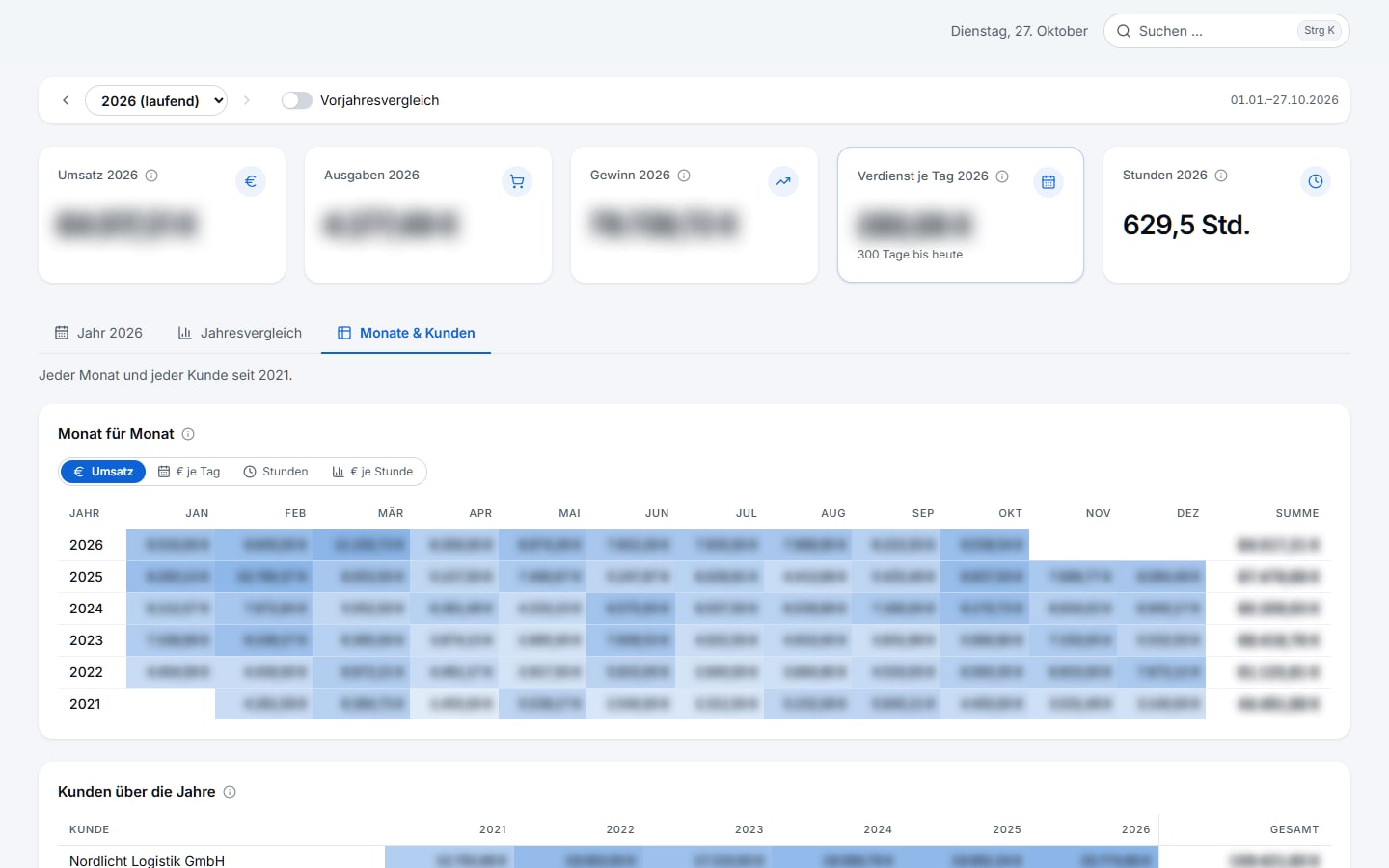
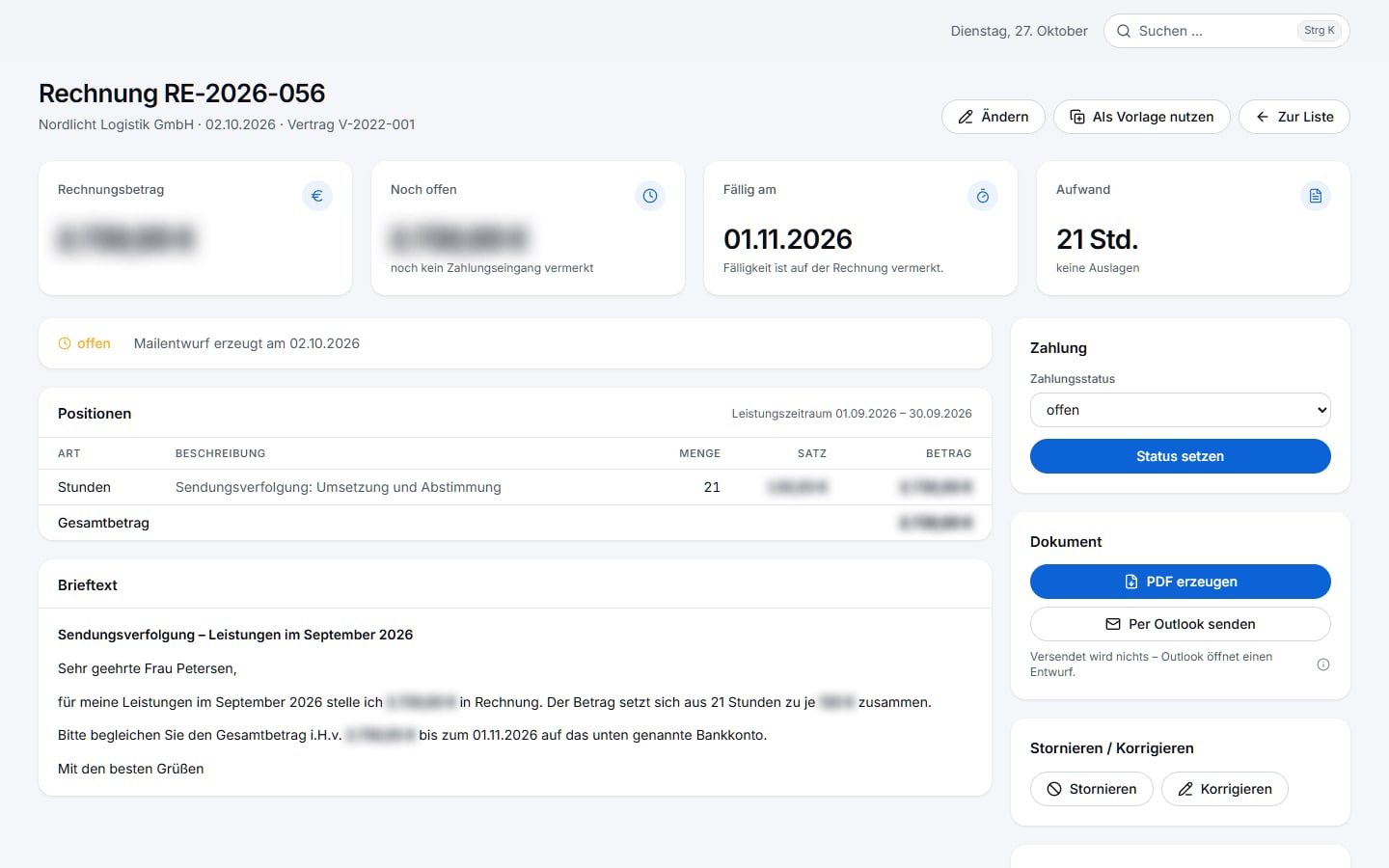
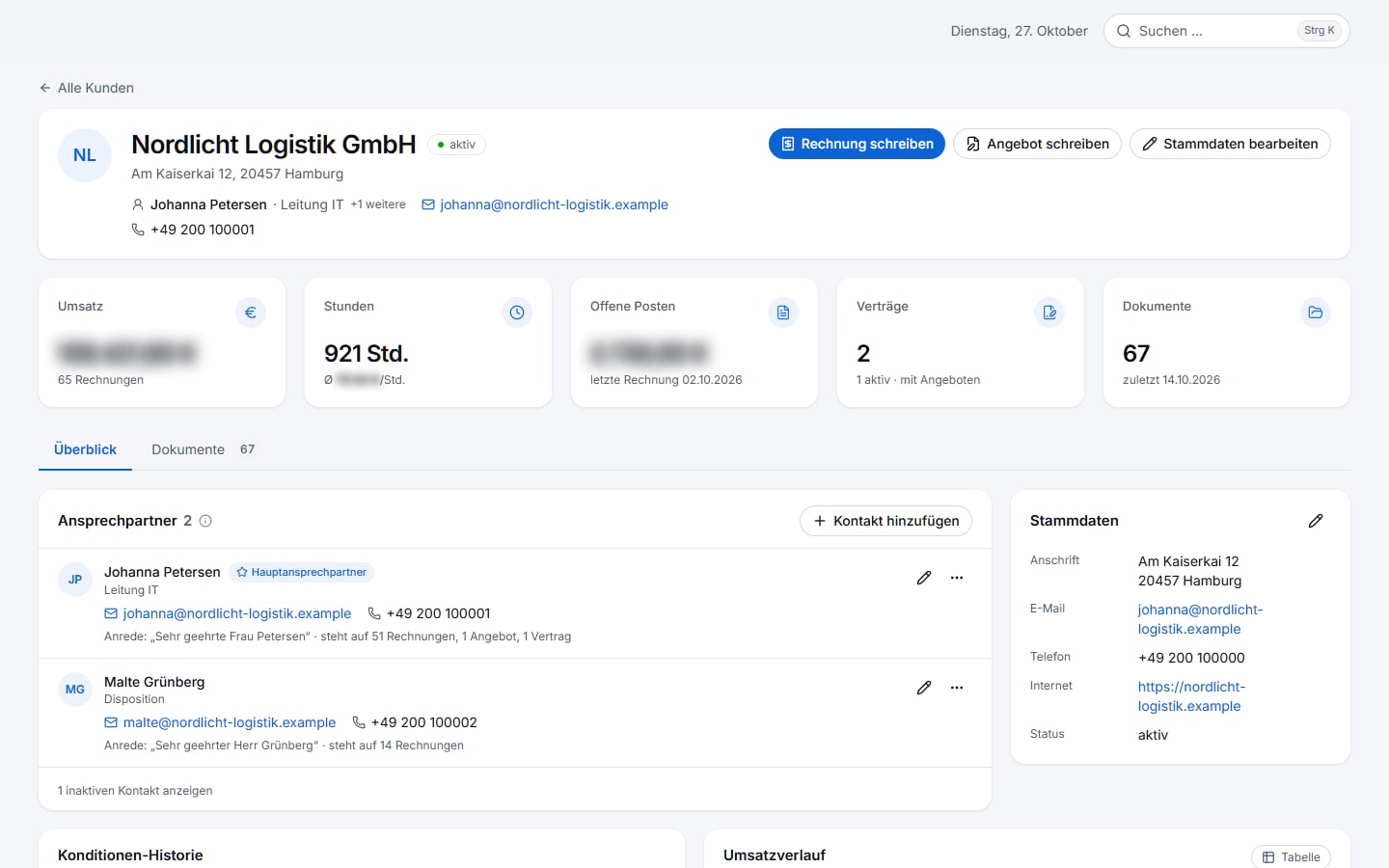
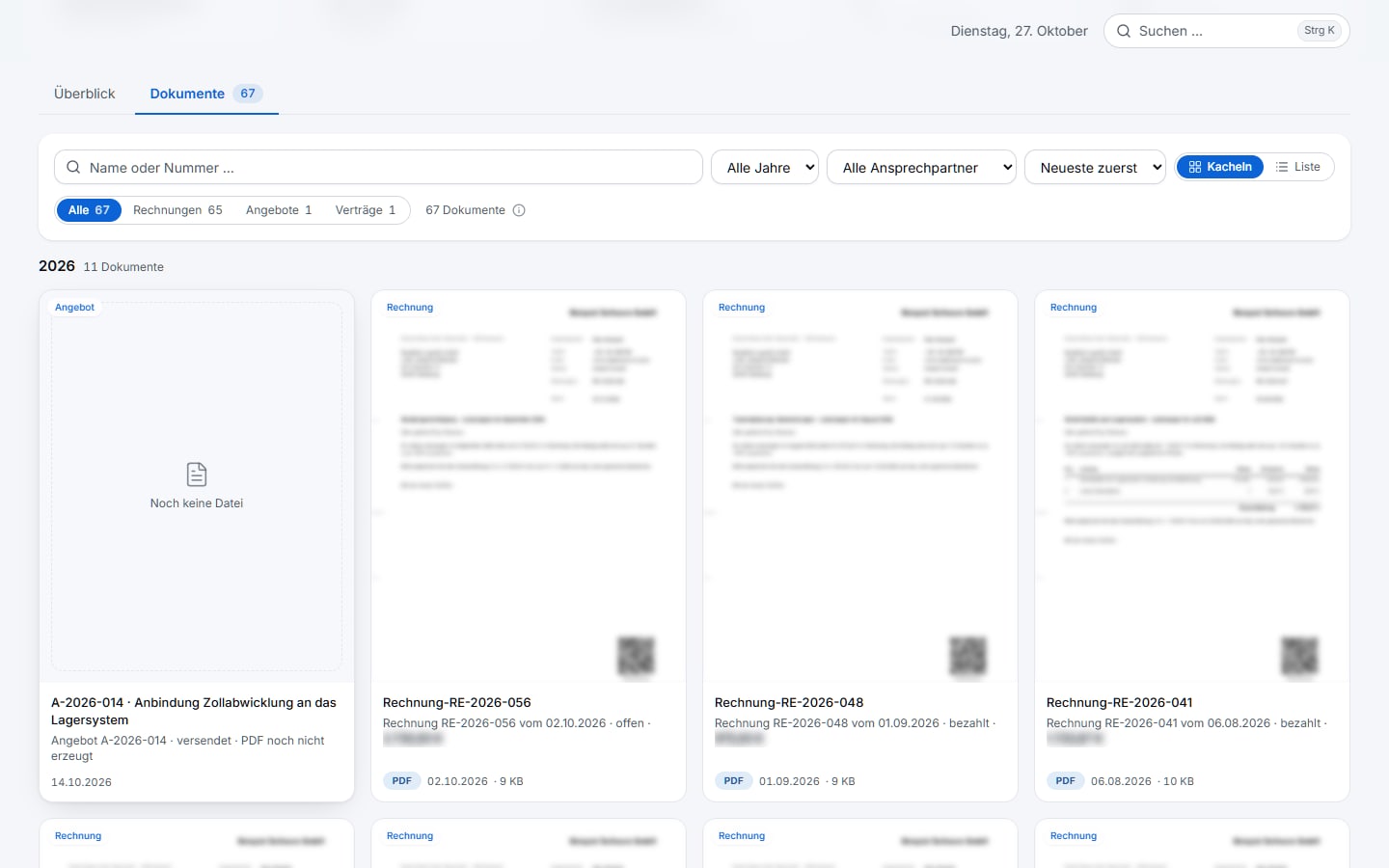
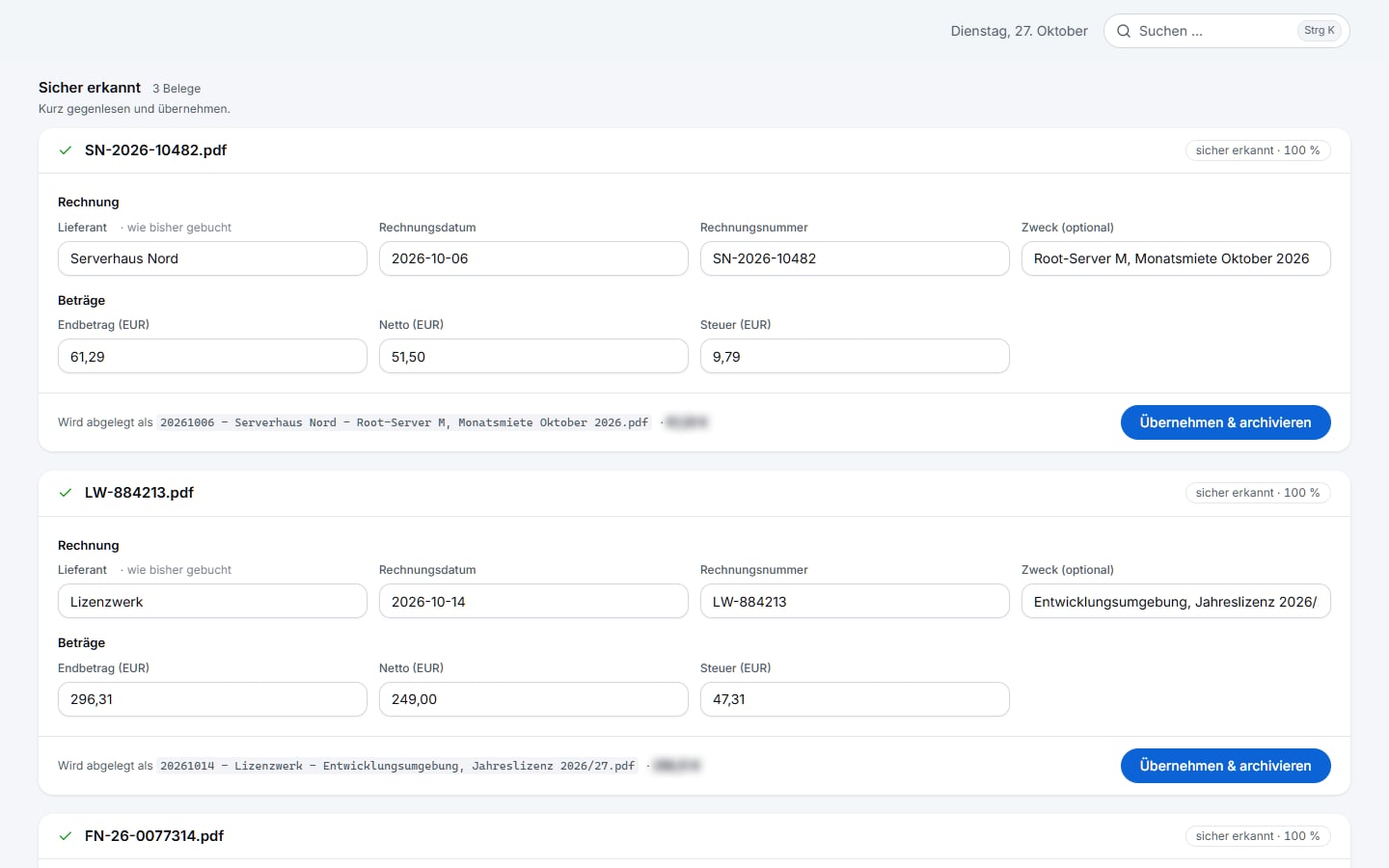
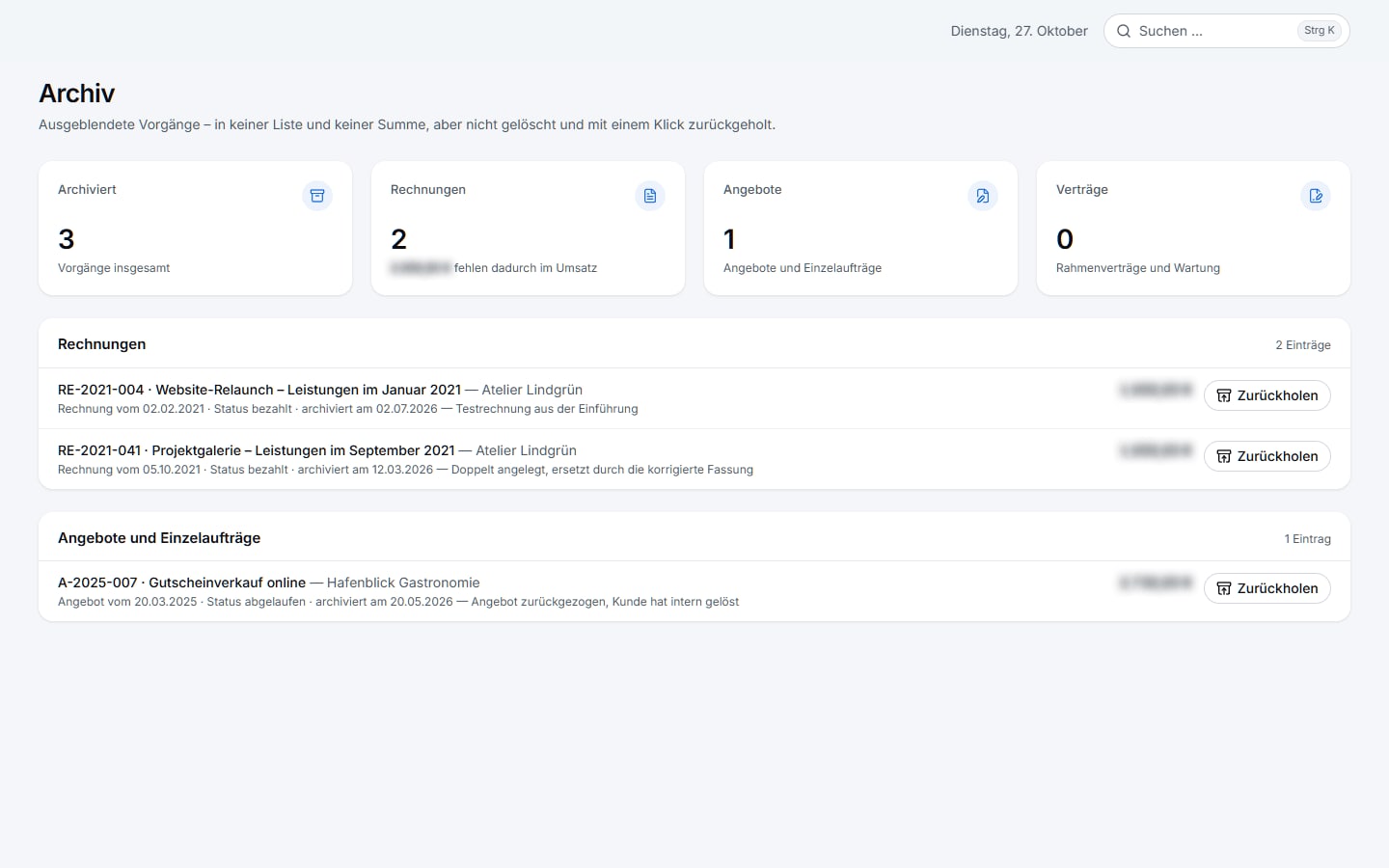
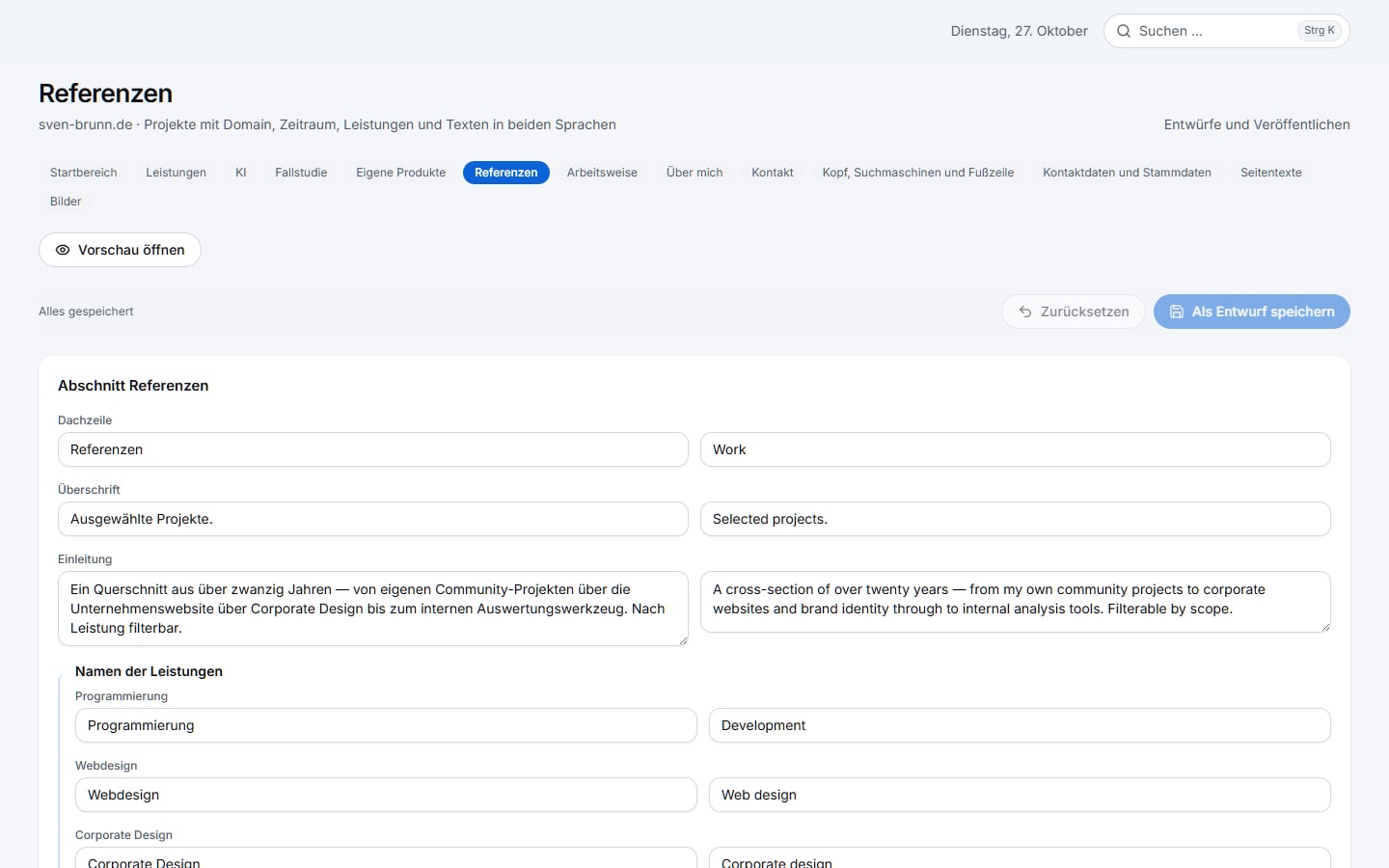
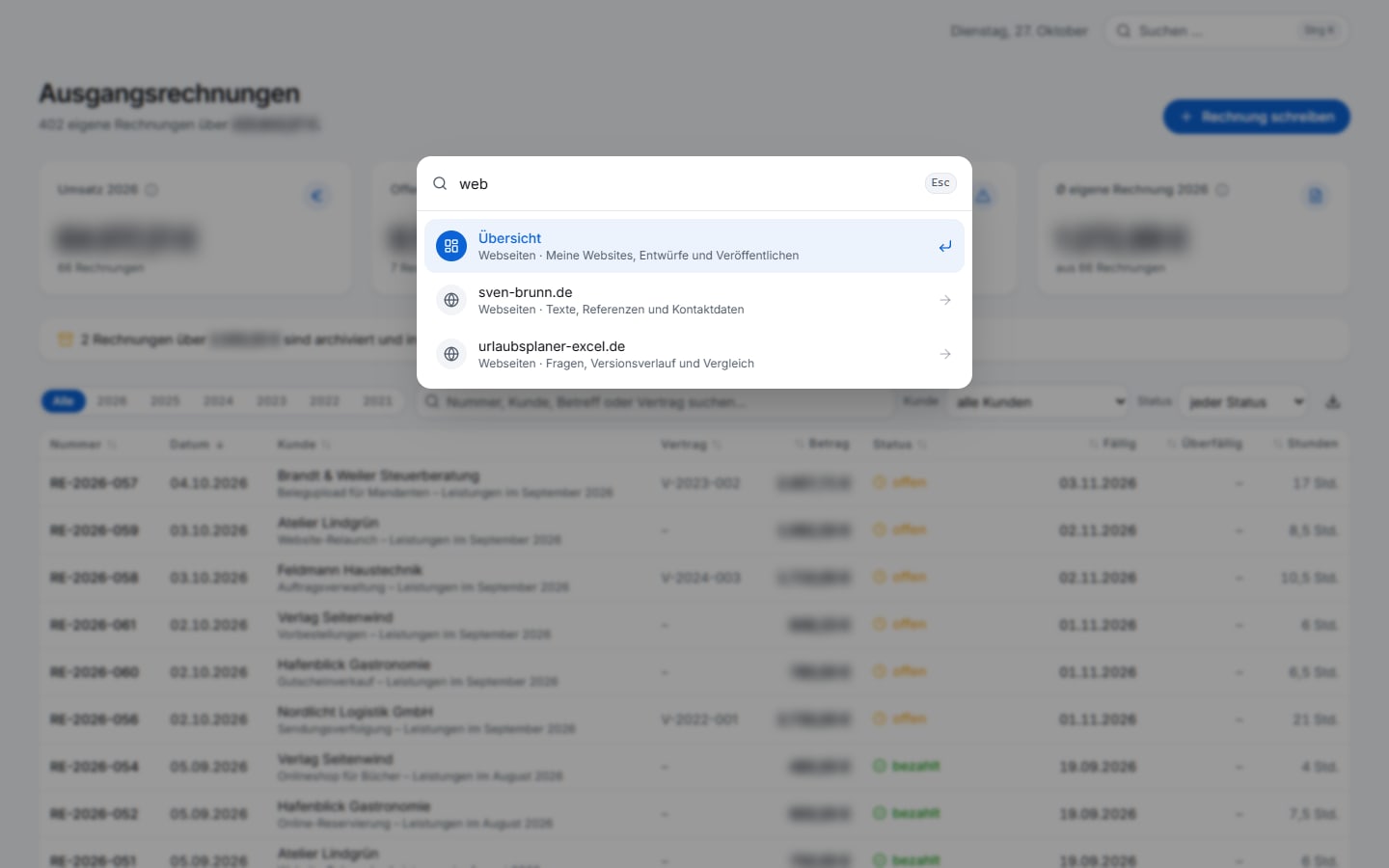
All screenshots come from a separate database with made-up companies and figures; amounts are blurred by the built-in streamer mode. No real clients or revenue are shown.
How it is built
- Built with AI agents (Claude Code) – under fixed rules such as “evidence, not assumption”: every figure names its basis
- Deliberately no AI model in operation: receipt recognition uses measured patterns and the operating system’s text recognition – offline, no cost per receipt, traceable
- The recognition rate is pinned down as a test; every pattern change is re-measured against the same data
- A 29-step check chain always runs to the end and never writes to the real data
- Daily, verified backup of its own database while running
Technology
- Next.js 16
- React 19
- TypeScript
- Tailwind CSS 4
- SQLite
- Drizzle ORM
- TanStack Table
- recharts
- react-pdf
- zod
- Windows OCR
- PyMuPDF
- Git
A system like this for your business?
Tell me where things get stuck today — I usually reply within one working day.